Memo books
Motif Studio memo books are 3.5 × 5.5 inch pocket notebooks sold as a pack of three. Personalise the outside and inside covers, then choose the fixed page style that fits how you plan to use them.
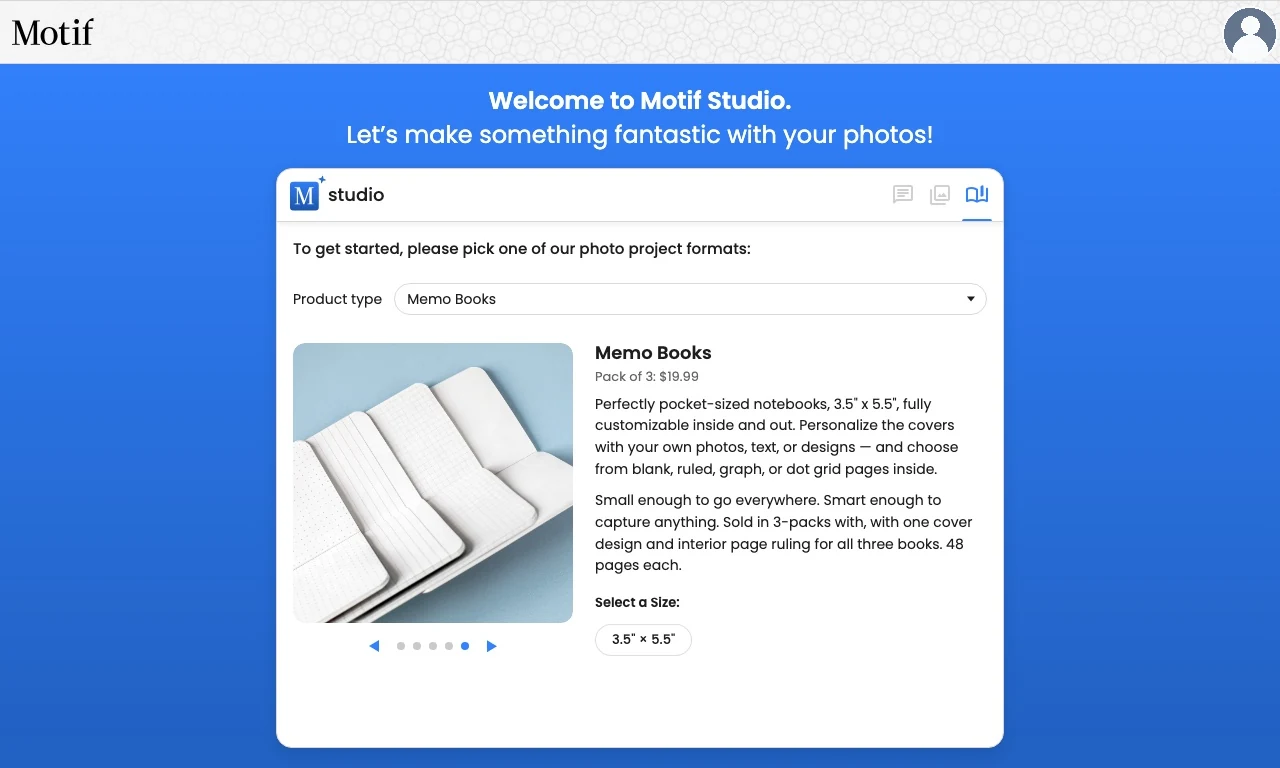
Choose an inside-page style
After selecting Memo Books, choose one of four styles:
- Text Ruled for notes, journaling, and lists;
- Dot Grid for flexible writing, planning, and lightweight diagrams;
- Graph Paper for charts, measured sketches, and structured notes;
- Blank for drawing and free-form writing.
Each memo book has 48 inside pages in the chosen style.
You can change the ruling style, but you do not design, add, delete, or rearrange individual inside pages. Your editable design surfaces are the covers.
Customise four cover surfaces
You can design:
- the front cover;
- the back cover;
- the inside front cover;
- the inside back cover.
Add photos, backgrounds, patterns, and text where the selected surface supports them. The front cover keeps the primary visual focus; the other surfaces are useful for supporting photos, a small message, or a coordinated pattern.
Decide how many photos to add
You can select Skip for Now and start with placeholders. For a more personal first draft, add at least four photos so Motif Studio has a strong option for each cover surface. You can upload more and let Motif Studio choose a focused set.
Temporary placeholders are for design only and do not print as photo content. Replace them before ordering if you want every photo area filled.
Edit a memo book
In the editor, you can:
- replace, crop, rotate, move, and filter cover photos;
- change cover layouts, backgrounds, and patterns;
- change the inside-page style;
- ask Chat to restyle the covers or move a photo to a named surface;
- use Undo and Redo for recent changes.
Memo books have a fixed interior page sequence, so they do not offer photo-book spread controls or page rearranging.
Ideas for the three-pack
- Give one to each member of a family or team.
- Keep one at home, one at work, and one in a bag.
- Use matching covers for a coordinated set.
- Use the same photo collection with complementary cover designs.
The three books in the pack use the same ordered product design.
Before ordering
Review all four cover surfaces, confirm the ruling style, replace unwanted placeholders, and check text near folds or edges. Then use Review before ordering.