Share a project
Share a view-only preview when you want someone to look through your project before you order. People with the link can see the project, but they cannot edit your saved design.
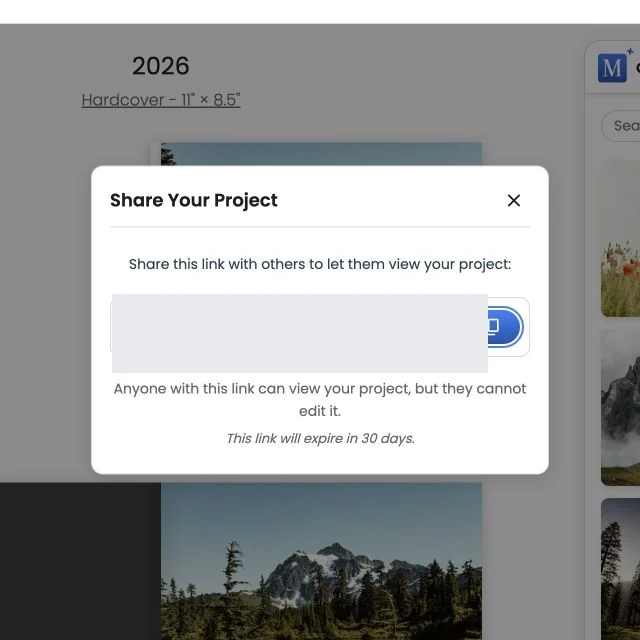
Create or copy a link
- Sign in and open the project.
- Choose Share above the project.
- If this is the first share, Motif Studio creates a link. If a current link already exists, it reuses it.
- Choose the copy button beside the URL.
- Paste the link into your message or email.
The sharing window shows when the link expires. Current share links are valid for 30 days.
What a recipient can do
A recipient can open a read-only viewer and move through the project. Photo-book viewers include spread controls, a page selector, left and right arrow-key navigation, and touch swipes.
The viewer labels informational inside-cover pages as Non-Printing Page. Those pages help show the structure of the book but are not part of the printed result.
What a recipient cannot do
The shared link does not let another person change your photos, text, layout, or saved project. If you open a shared link and need to make a change, return to your signed-in project and switch to Edit view.
Share safely
Anyone who receives the link can view the project until it expires, so send it only to people you trust. If a link has expired, open the project and use Share again to get a current link.
Before asking someone to review, you may want to check Review before ordering so you can point them to the pages that need attention.